 WoodyWordWoodyWord
Everything Woody can do for you
Learning shouldn't be boring. Our first stage uses an intuitive, Tinder-like swipe interface. Quickly swipe through words tailored to your personal interests and goals, and decide which ones you want to explore further. Words you mark as known will be added to your known statistics.
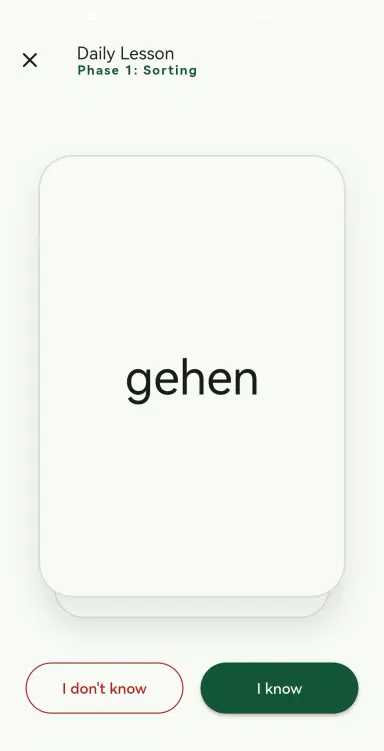
The heart of Woody. We use a custom FTS algorithm to track exactly which words you struggle with. Instead of random repetition, your daily lessons perfectly balance introducing new vocabulary with reviewing what you need to practice.
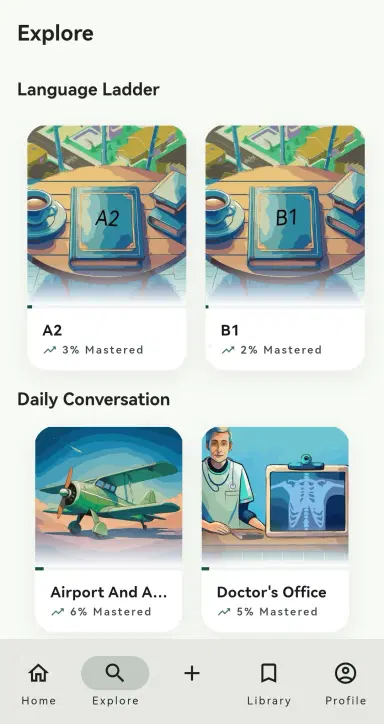
Looking for something practical right away? Jump into our Explore page for predefined decks packed with useful vocabulary and phrases for real-life situations. We keep things simple and highly relevant, especially helpful for foreigners navigating everyday life.
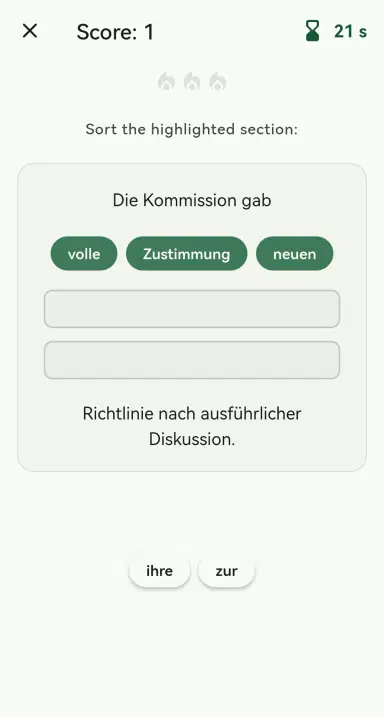
Test your reflexes in a fast paced game. Drag, drop, and swipe your way through high-energy quizzes designed to permanently lock in your new vocabulary. Learning has never felt this active. Boost your high score to unlock free Smart Deck rewards.
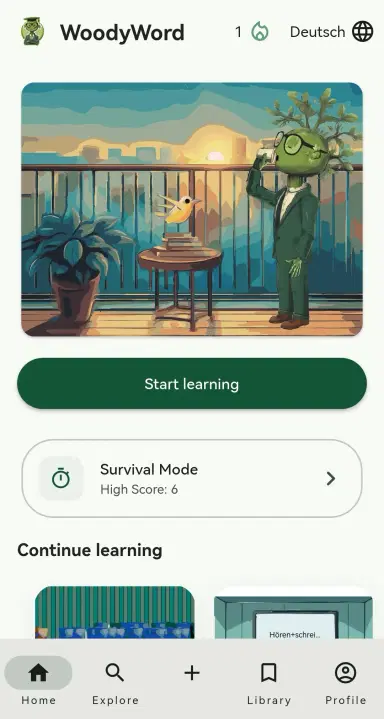
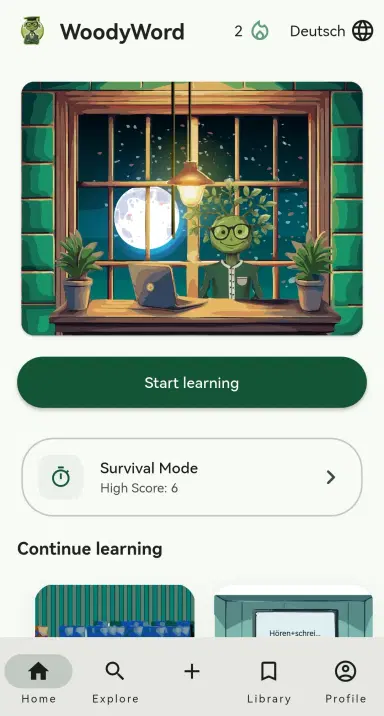
Woody feels alive. Our friendly mascot guides you, and dynamic animations ensure the app never feels static. Even the home screen changes depending on the time of day morning, afternoon, or night!
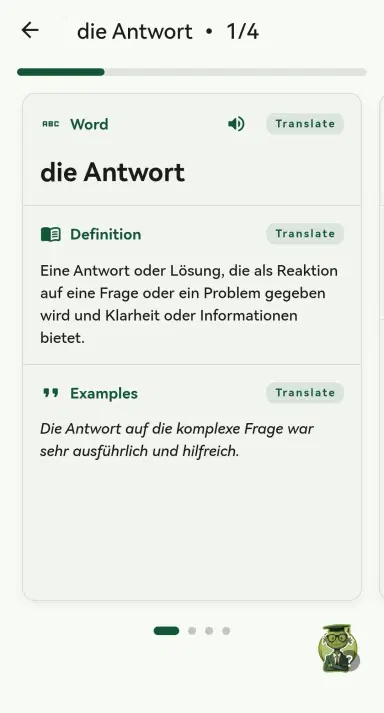
When a word catches your attention, enter the Deep Dive phase. You'll see definitions and examples, but if you're still confused, just ask Woody! Our integrated AI chatbot will simplify meanings, clarify subtle nuances, and remove any frustration.
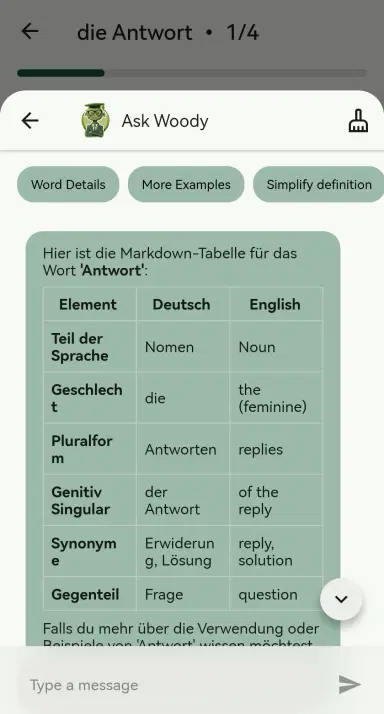
It wouldn't be a learning app without a dictionary, but ours goes a step further. The Deep Dive chat is fully integrated, allowing you to explore all the meanings and nuances of a word rather than just staring at a static definition.
Want to watch a YouTube video but worried about the vocabulary? Just paste the link, and Woody will extract the key words for you so you can watch feeling fully prepared.
You can automatically generate learning decks from:
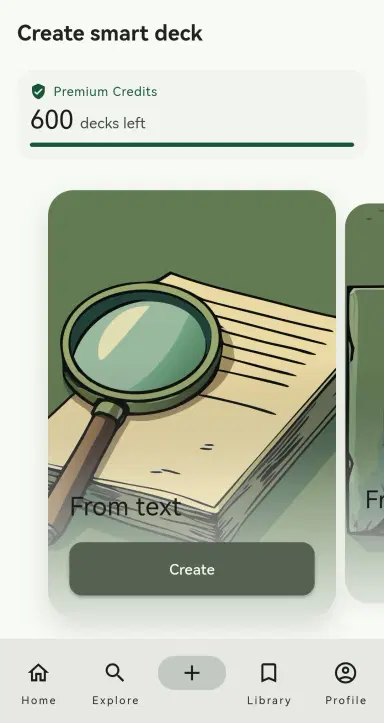
Pick a topic, and Woody will generate a custom story or article using your target vocabulary. Listen to the audio narration and hear the exact words you are trying to learn used naturally in context. Learning by listening, without trying too hard.

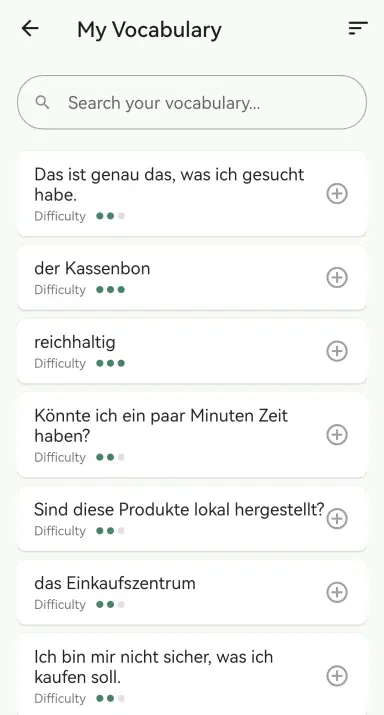
Everything you interact with, every flashcard, every choice, is automatically saved in your vocabulary history. Jump back in at any point, create a custom study session, and keep practicing exactly what you need to focus on.
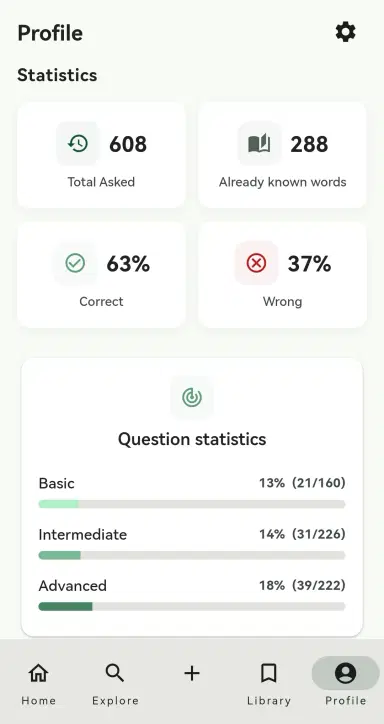
Track your actual progress on your profile page. See exactly how many words you've reviewed, your correct and incorrect answer ratios, and visualize how far you've come.
Woody is available on the Apple App Store and Google Play Store. Your progress, history, and custom decks sync across your devices automatically.